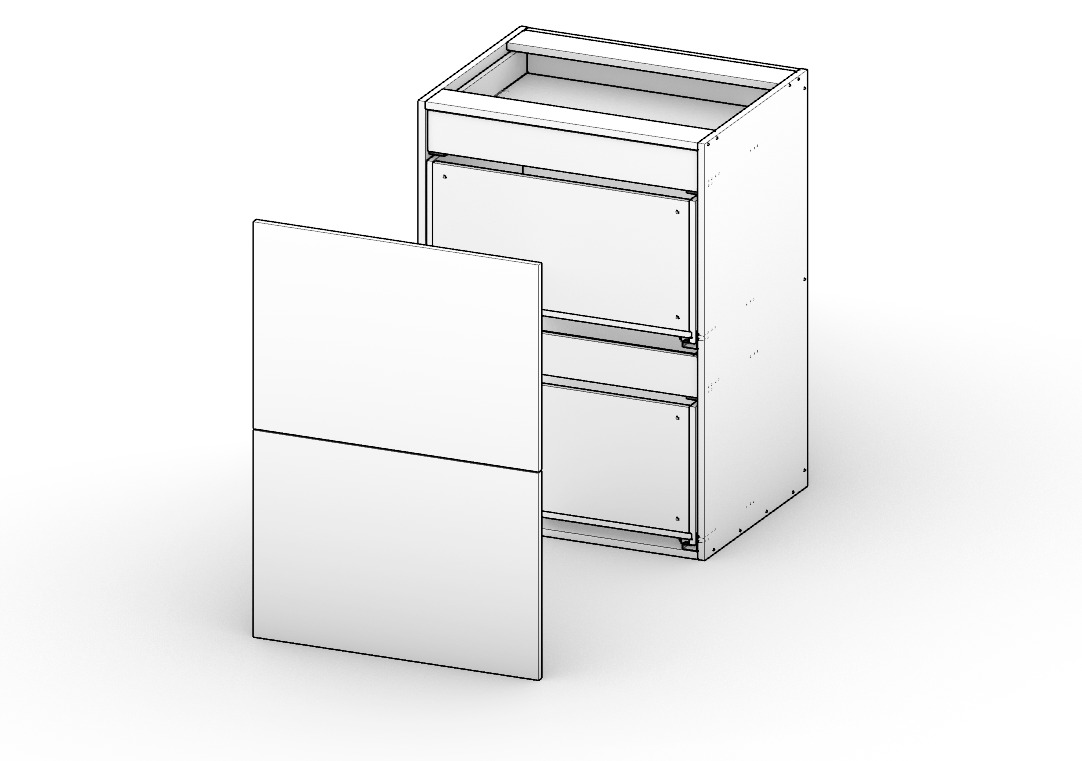
Every parameter, one row
Dimensions, material, doors, drawers, slides, hinges, joinery, edgebanding — all of it visible at once in a single spreadsheet-style grid. Scroll across to review a full spec. Spot a wrong setting instantly, instead of hunting through six different dialogs.
Build Presets once — upper left, base with drawers, tall pantry — and reuse them across every project. One click drops in a fully configured cabinet type, ready to adjust.

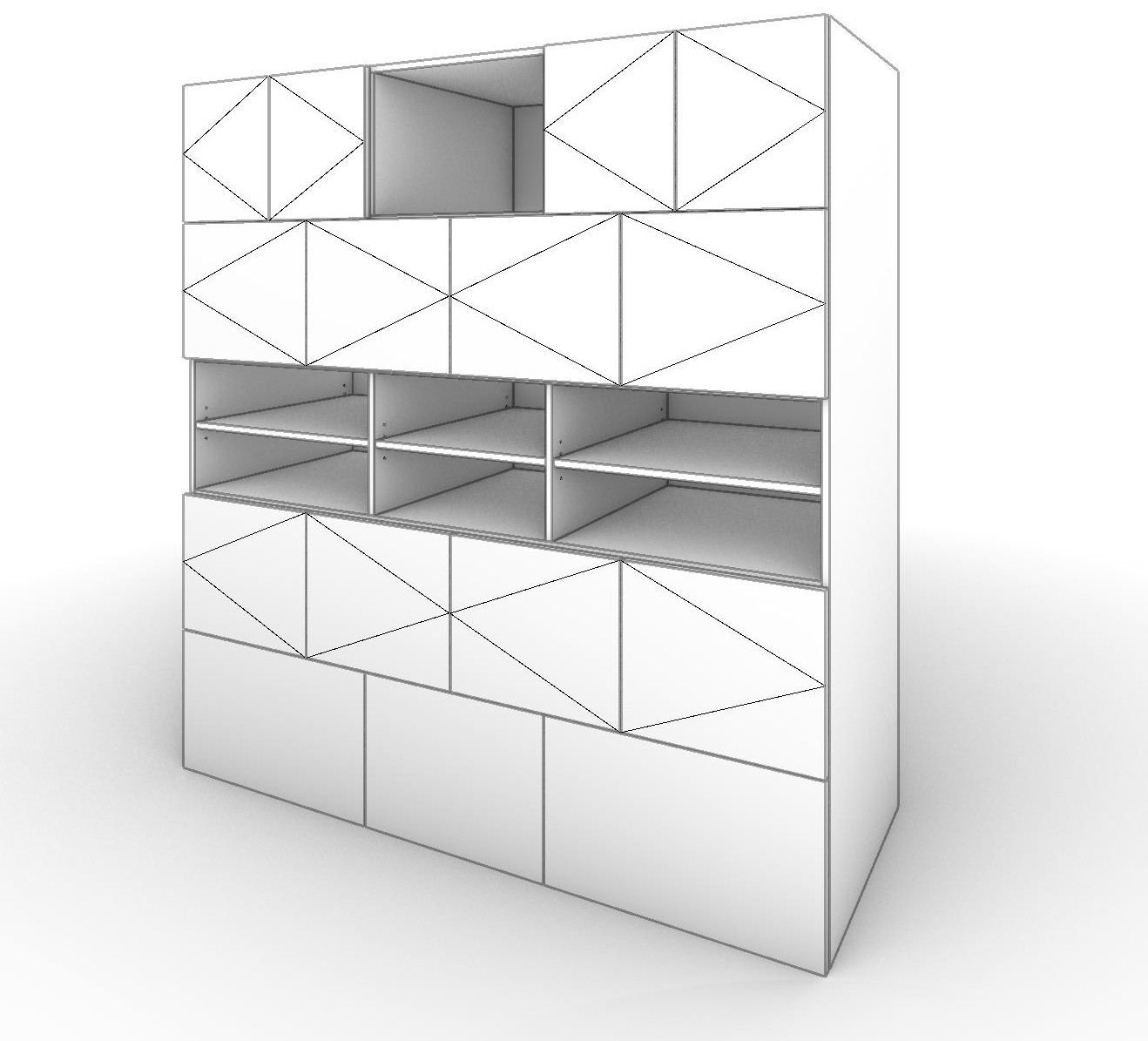
Multi-opening cabinets
Split any cabinet into rows, then split any row into side-by-side columns — brick-pattern drawer banks, staggered open shelving, mixed door-and-drawer layouts. Each opening and each column carries its own doors, drawers, shelves, and joinery.
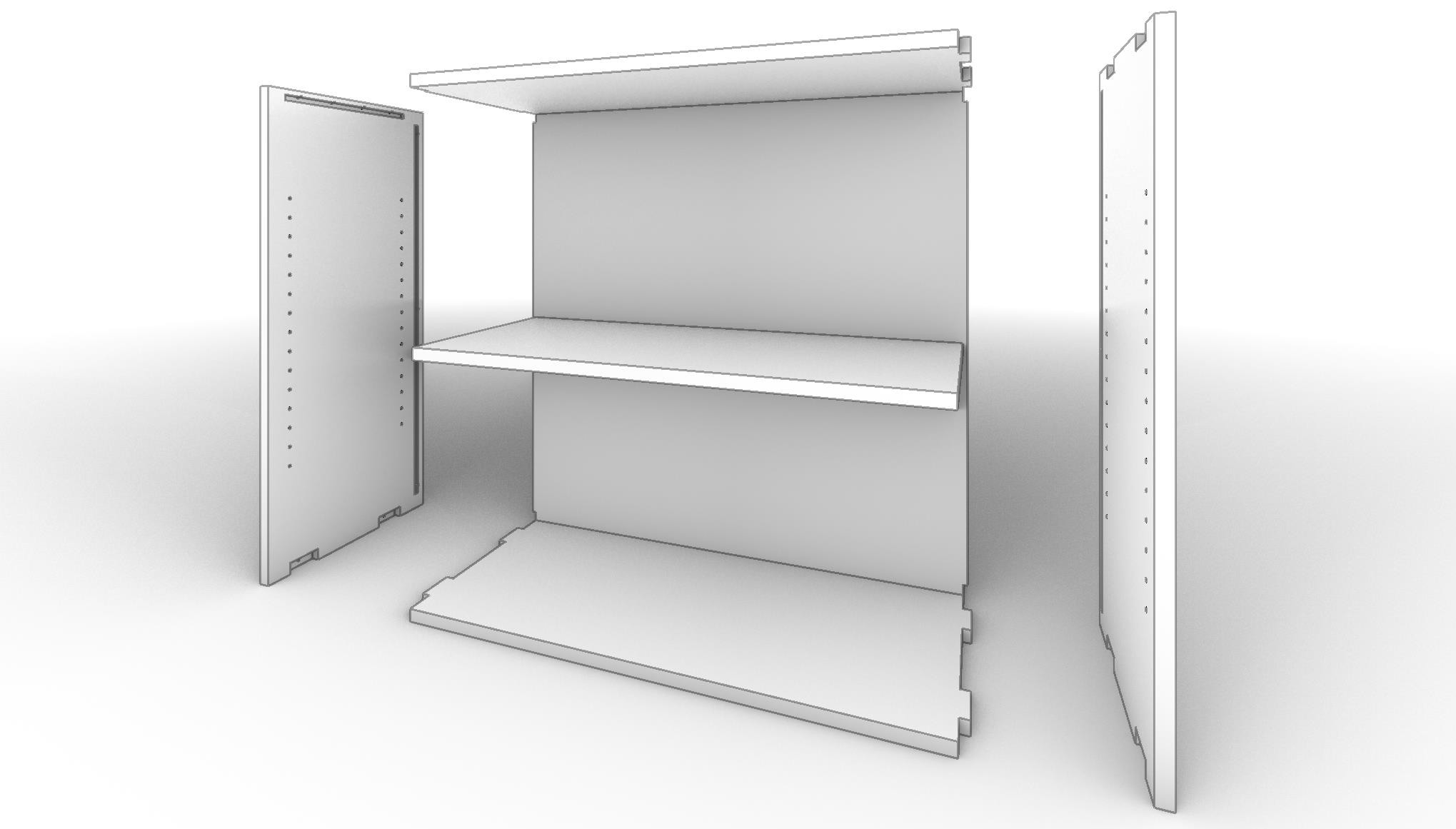
Powerful new joinery engine
Choose from Holes, Domino, Blind Tenon, and Tab-Slot joinery — set a cabinet-wide default, or override any individual connection. CabSlam works out the construction holes, mortise/tenon geometry, and tab placement for you.
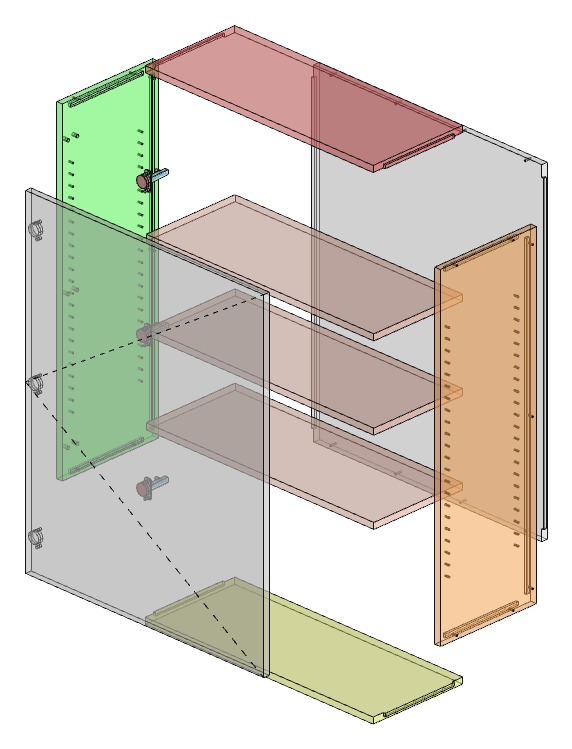
Multiple materials per cabinet
Set a default material for the box, then override it part by part — a different finish for a single shelf, an end panel, or the drawer boxes, all within one cabinet. Every override shows up right on the cut list and nesting layout, no separate tracking needed.
Complex drawer configurations
Mix standard and inner drawers in any order within the same opening, set custom front heights, and stack drawers above or below doors. CabSlam sizes every box, slide, and reveal to match, no matter how the stack is arranged.